Configuring the Submissions View on Camino is simple. Here are a few ways to customize to your preference:
Columns
Customize the Submissions View by selecting Columns with information relevant to your work. For example, you can narrow the view down to all submissions submitted by a contractor.
Setting Filters
Users can utilize Filters to narrow the Submissions View down to specific fields. For example, you can set your view to only show submissions created last week that are residential projects and currently in the review stage.
Creating Saved and Global Views
Creating Saved Views allows users to save their configured filters and columns.
Saved Views can be created for specific instances, or saved as a default view. In addition, when creating a new Saved View, Platform Users will also have the option to create a Global Saved View. A Global Saved View allows for other agency users in your organization to access the Saved View.
For a step- by- step guide to creating Saved and Global Views click here.
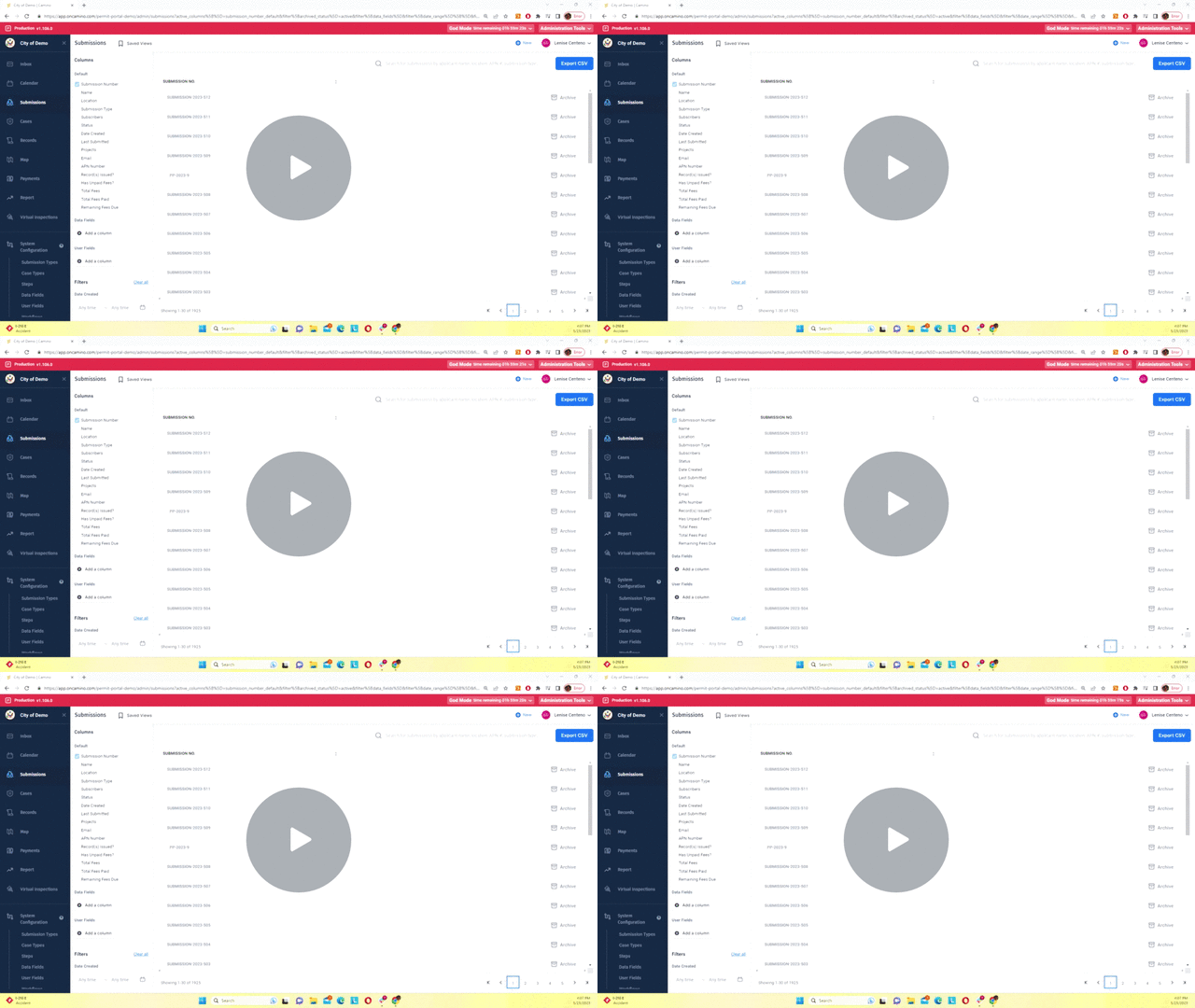
Configuring the Submission View Demonstration
Comments
0 comments
Please sign in to leave a comment.